Technical Documents
Specifications
Brand
StarTech.comUSB Connection Type
USB A
Card Types
ExpressCard
Number of Usb Ports
2
USB Standard
USB 3.1
Bus Type
PCI
Country of Origin
China
Product Details
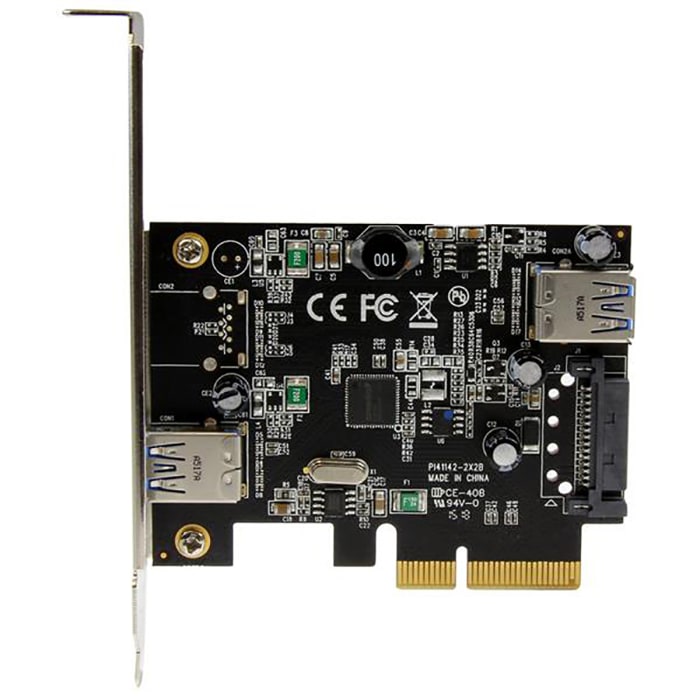
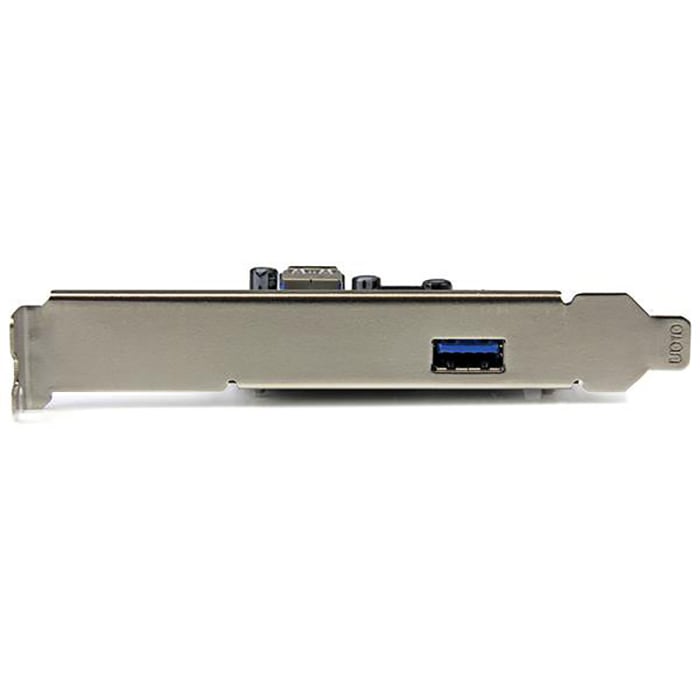
Need to increase the ports in your computer? Choose this USB card from StarTech.com. It features an internal and an external port so you can connect two different devices at the same time, making it a versatile option. Cards like this are used to link peripheral devices including keyboards and digital cameras to your system.
How do I install this USB card?Installation is straightforward – simply insert the card it into the PCI Express 3.0 x4 slot on your computer.

Stock information temporarily unavailable.
P.O.A.
1
P.O.A.
Stock information temporarily unavailable.
1
Technical Documents
Specifications
Brand
StarTech.comUSB Connection Type
USB A
Card Types
ExpressCard
Number of Usb Ports
2
USB Standard
USB 3.1
Bus Type
PCI
Country of Origin
China
Product Details
Need to increase the ports in your computer? Choose this USB card from StarTech.com. It features an internal and an external port so you can connect two different devices at the same time, making it a versatile option. Cards like this are used to link peripheral devices including keyboards and digital cameras to your system.
How do I install this USB card?Installation is straightforward – simply insert the card it into the PCI Express 3.0 x4 slot on your computer.